Promotional Compliance — Verify Every Retailer Activates Your Promo Price
Launch promotional campaigns with confidence. ShoppingScraper monitors every retailer in your network and shows you, in a single color-coded matrix, who activated the correct promo price, who deviated, and who failed to list the product entirely.
Sound familiar?
Trade marketing teams spend days manually checking if retailers activated the correct promotional price — and still miss violations.
Without real-time visibility, you only discover non-compliance after the campaign ends, when the revenue is already lost.
Retailers who fail to activate promotions or list incorrect prices erode margins and undermine brand positioning.
Building compliance reports from spreadsheets is error-prone and impossible to scale across hundreds of SKUs and dozens of retailers.
No single system connects your promotional calendar, target pricing, and actual shelf prices — until now.

Get started in minutes
Create a Promotion Campaign
Use the 3-step wizard to set campaign details — name, start and end dates, duration presets, and monitoring schedule. Then select the retailers you want to track, grouped by parent company for fast selection.
Set Target Prices per Product
Choose the products in your campaign and define the Promo Price and RRP/MAP for each. Upload hundreds of SKUs at once via CSV or add them individually.
Monitor the Compliance Matrix
Once the campaign goes live, ShoppingScraper checks every retailer on schedule. The Product x Retailer compliance matrix shows color-coded statuses in real time — green for compliant, yellow for price deviations, red for not listed, and amber for out of stock.
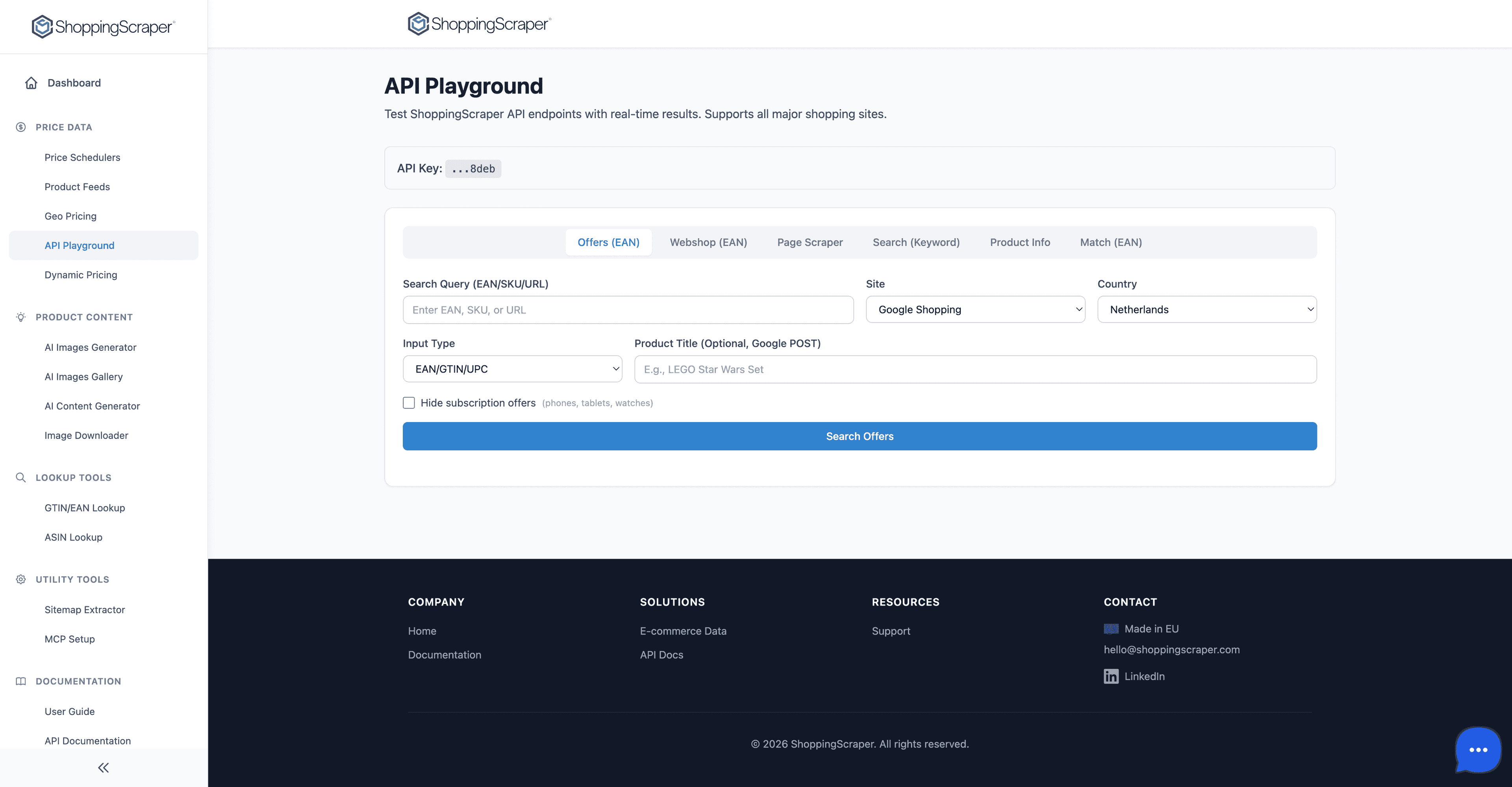
Test every API endpoint interactively
Everything you need
3-Step Promotion Wizard
Create campaigns in minutes with a guided wizard — set dates, pick retailers by parent company, and assign target prices per product with CSV upload support.
Product x Retailer Compliance Matrix
See every product-retailer combination in a single view. Color-coded cells make it instant to spot who activated correctly, who deviated, and who is missing.
Five-Status Color System
Green (activated at promo price), yellow (different price), amber (out of stock), red (not listed), and blue (listed, no promo comparison) — no ambiguity.
Summary Compliance Bar
A top-level summary bar shows the percentage of retailers in each compliance state so you can assess campaign health at a glance.
Campaign Lifecycle Management
Track campaigns as Active, Upcoming, or Ended. Schedule future promotions in advance and review historical campaign performance anytime.
CSV Bulk Upload
Upload hundreds of products with promo prices and RRP/MAP values in one CSV file — no manual entry required for large campaigns.
Export to Excel and Print to PDF
Generate boardroom-ready compliance reports. Export the full matrix to Excel for analysis or print to PDF for trade marketing reviews.
Retailer Grouping by Parent Company
Select retailers grouped by parent company — activate monitoring for an entire retail group in a single click.
Scheduled Monitoring
Choose how frequently ShoppingScraper checks retailer prices during the campaign — up to 4x daily, daily, weekly, or on a custom schedule tied to your promotion calendar.
Duration Presets
Set campaigns with predefined durations — one week, two weeks, monthly — or define custom date ranges for maximum flexibility.
Why Promotional Compliance Determines Campaign ROI
Brands invest heavily in promotional campaigns — negotiating with retailers, funding price reductions, and coordinating across channels. Yet studies show that 30-40% of trade promotions fail to deliver expected ROI, often because retailers do not activate the agreed-upon pricing. Without automated verification, non-compliance goes undetected until it is too late. ShoppingScraper closes this gap by monitoring every retailer in your campaign and surfacing deviations within hours, not weeks.
- Detect retailer non-compliance on day one of a campaign, not after the post-mortem
- Quantify exactly how much revenue is at risk from incorrect pricing or missing listings
- Build an evidence trail of compliance data to strengthen retailer negotiations
From Spreadsheet Chaos to a Single Dashboard
Most trade marketing teams rely on a patchwork of manual checks, retailer screenshots, and Excel files to track promotional compliance. This approach does not scale — especially when campaigns span dozens of retailers and hundreds of SKUs. ShoppingScraper replaces the spreadsheet chaos with one real-time dashboard. The compliance matrix gives you the full picture at a glance, and the export options let you share results with stakeholders in the format they prefer.
- Replace hours of manual price checks with automated, scheduled monitoring
- Share compliance reports with category managers, sales teams, and leadership in seconds
- Compare compliance rates across campaigns to identify consistently underperforming retailers
Campaign Intelligence That Improves Over Time
Every campaign you run through ShoppingScraper builds your compliance intelligence. Historical data reveals which retailers consistently activate on time, which ones need follow-up, and which ones ignore promotional agreements altogether. Use these insights to optimize your trade spend, renegotiate terms, and focus co-marketing budgets on partners who deliver results.
- Track compliance trends across quarterly and seasonal campaigns
- Identify top-performing retail partners based on activation speed and price accuracy
- Use historical compliance data to forecast campaign ROI more accurately
Frequently Asked Questions
How do I create a promotional campaign in ShoppingScraper?+
Use the 3-step promotion wizard. In Step 1, set the campaign name, dates, and monitoring schedule. In Step 2, select the retailers you want to monitor, grouped by parent company. In Step 3, add your products and define the Promo Price and RRP/MAP for each — individually or via CSV upload.
What do the compliance colors mean?+
Green means the retailer activated the product at the correct promo price. Yellow means the product is listed but at a different price. Amber means the product is out of stock. Red means the product is not listed at all. Blue means the product is listed but no promo price comparison is available.
Can I upload products and prices in bulk?+
Yes. In Step 3 of the promotion wizard, you can upload a CSV file with product identifiers, promo prices, and RRP/MAP values. This is the fastest way to set up campaigns with hundreds of SKUs.
How often does ShoppingScraper check retailer prices during a campaign?+
You configure the monitoring frequency when creating the campaign. Options include up to 4x daily, daily, weekly, or custom schedules. More frequent checks give you faster detection of non-compliance.
Can I export the compliance report?+
Yes. You can export the full Product x Retailer compliance matrix to Excel for detailed analysis or print it to PDF for stakeholder presentations and trade marketing reviews.
What happens when a campaign ends?+
The campaign status changes to Ended and all compliance data is preserved. You can review historical compliance reports, compare performance across campaigns, and use the data to inform future promotional strategies.
Explore more
Price Monitoring
Monitor competitor prices across all marketplaces around the clock
Dynamic Pricing
Automate repricing rules based on real-time competitive data
Buy Box Monitoring
Track buy-box ownership and detect MAP violations on Amazon and bol.com
Brand Protection
How brand-protection teams use ShoppingScraper for pricing compliance
Launch your first compliance campaign today
100 free API calls to evaluate the Google Shopping data. Talk to us about volume.