API Playground
Test every ShoppingScraper API endpoint in your browser. Build requests visually, inspect formatted JSON responses, and copy as cURL for integration into your codebase.
What is included
6 API Tabs
Switch between Offers (EAN), Webshop (EAN on specific domain), Page Scraper (any URL), Search (keyword), Product Info, and Match/DeepSearch — each with its own parameter forms.
Pre-Filled API Key
Your API key is automatically populated. Select a marketplace, enter an EAN, and fire a request instantly — no setup needed.
Formatted JSON + cURL Export
Responses are syntax-highlighted and collapsible. Copy any request as a ready-to-paste cURL command for your terminal or codebase.
Match vs DeepSearch
Regular Match finds a Google Shopping product for 1 credit. DeepSearch uses AI-powered matching with optional product title and URL metadata for 4 credits — higher accuracy for harder matches.
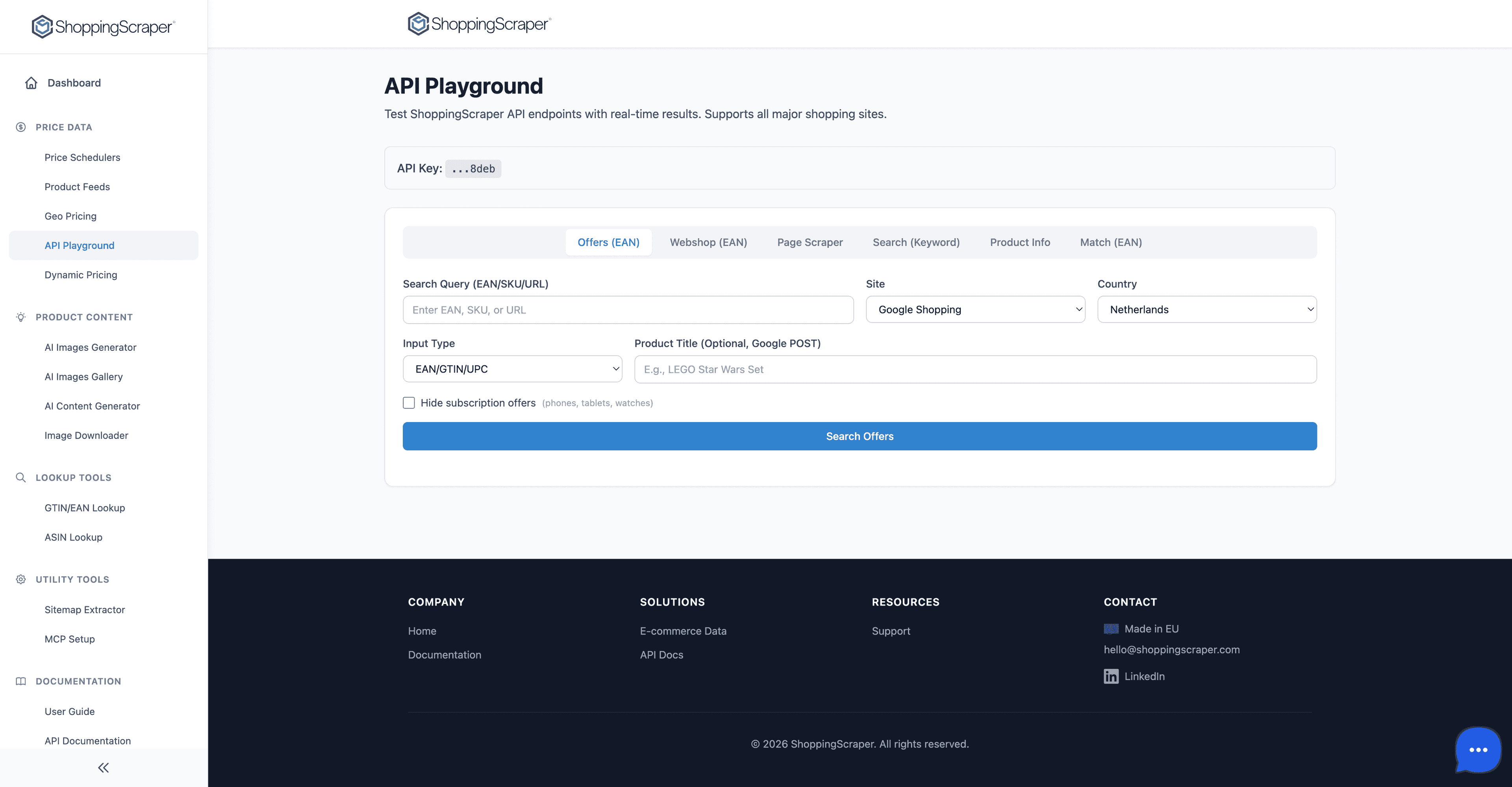
Test every API endpoint interactively
Every endpoint at your fingertips
The API Playground provides interactive access to every ShoppingScraper endpoint. Select from Offers, Search, Global, Info, Webshop, Match, Page, History, Reports, Feed Refresh, and URL Item endpoints. Each endpoint shows its required and optional parameters, expected response format, and rate limits. No coding required to explore the full API surface.
- Offers endpoint: get current offers for a product by EAN
- Search endpoint: find products by keyword across marketplaces
- Global endpoint: retrieve pricing data across 50+ countries
- Info endpoint: look up product metadata and specifications
- Webshop endpoint: scrape product data from any URL
- Match endpoint: find matching products across stores
- Page endpoint: paginate through large result sets
Test every API endpoint interactively
Built for developers, accessible to everyone
The visual request builder removes the friction of API integration. Business users can test queries before filing development tickets. Developers can prototype integrations without writing a single line of code. Copy the generated cURL command to move from the playground to production in seconds.
- Syntax-highlighted JSON responses
- Collapsible nested objects for complex responses
- One-click cURL copy for any request
- Request history within the session
- No API key required to browse endpoint documentation
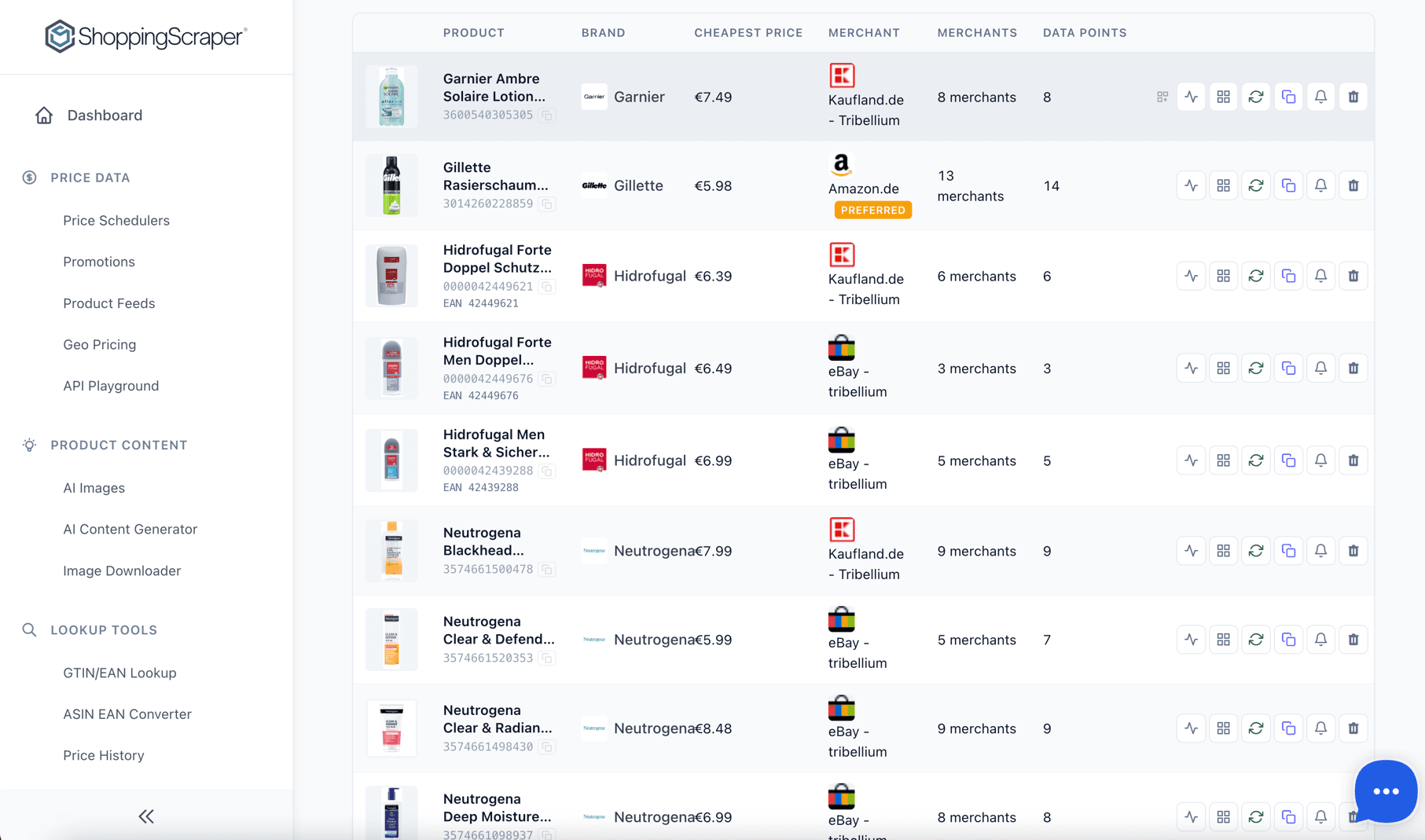
Full programmatic access via REST API
From playground to production
Once you have tested a request in the playground, the transition to production is seamless. Copy the cURL command, translate it to your language of choice, and integrate it into your pipeline. The playground shows the exact same response format you will receive programmatically, so there are no surprises when you go live.
- Identical response format between playground and API
- Rate limit information displayed per endpoint
- Error responses documented inline
- Authentication guidance for each endpoint
Frequently Asked Questions
Do I need an API key to use the playground?+
You can browse endpoint documentation without an API key. To execute live requests, you need to enter your API key in the playground interface.
Which endpoints can I test?+
All ShoppingScraper endpoints are available: Offers, Search, Global, Info, Webshop, Match, Page, History, Reports, Feed Refresh, and URL Item management.
Does the playground consume API credits?+
Yes. Live requests in the playground consume credits from your plan, just like programmatic API calls. This ensures you see real production data.
Can I save requests for later?+
Request history is maintained within your browser session. For permanent saved queries, copy the cURL command and store it in your development notes.
How do I move from playground to production code?+
Click the copy-as-cURL button on any request. You can then translate the cURL command to Python, JavaScript, PHP, or any language that supports HTTP requests.
Are rate limits applied in the playground?+
Yes. The same rate limits that apply to programmatic API calls apply in the playground. Rate limit information is displayed per endpoint.
Try the API Playground
Start testing with 100 free API credits. No credit card required.