REST API Integration
Full programmatic access to every ShoppingScraper feature. 34 endpoints across 11 categories, JSON responses, and straightforward API key authentication.
How to get started
Create an account
Sign up at shoppingscraper.com and receive 100 free API credits. No credit card required.
Get your API key
Find your API key in the dashboard under Profile. Copy it and store it securely in your application's environment variables.
Make your first request
Send a GET request to any endpoint with your API key as a query parameter or header. Start with the Offers endpoint to retrieve pricing data for a product.
Integrate into your pipeline
Use the JSON responses in your pricing tools, ERPs, analytics dashboards, or any system that consumes HTTP APIs.
What you get
- Offers endpoint: current merchant offers by EAN
- Search endpoint: find products by keyword
- Global endpoint: pricing across 50+ countries
- Info endpoint: product metadata and specifications
- Webshop endpoint: scrape any URL for product data
- Match endpoint: find matching products across stores
- Page endpoint: paginate through large result sets
- History endpoint: historical price data
- Reports endpoint: download scheduler reports
- Feed Refresh endpoint: trigger product feed updates
- URL Item endpoint: manage URL-based monitoring items
- JSON response format for all endpoints
- API key authentication
- Rate limiting with clear headers
34 endpoints across 11 categories
The ShoppingScraper REST API covers every feature of the platform. Retrieve current offers, search products, access global pricing, get product metadata, scrape webshops, find matching products, paginate results, pull historical data, download reports, refresh feeds, and manage URL items. Every endpoint returns structured JSON and follows consistent patterns.
- Consistent JSON response format across all endpoints
- Pagination support for large result sets
- Error responses with descriptive messages
- Rate limit headers on every response
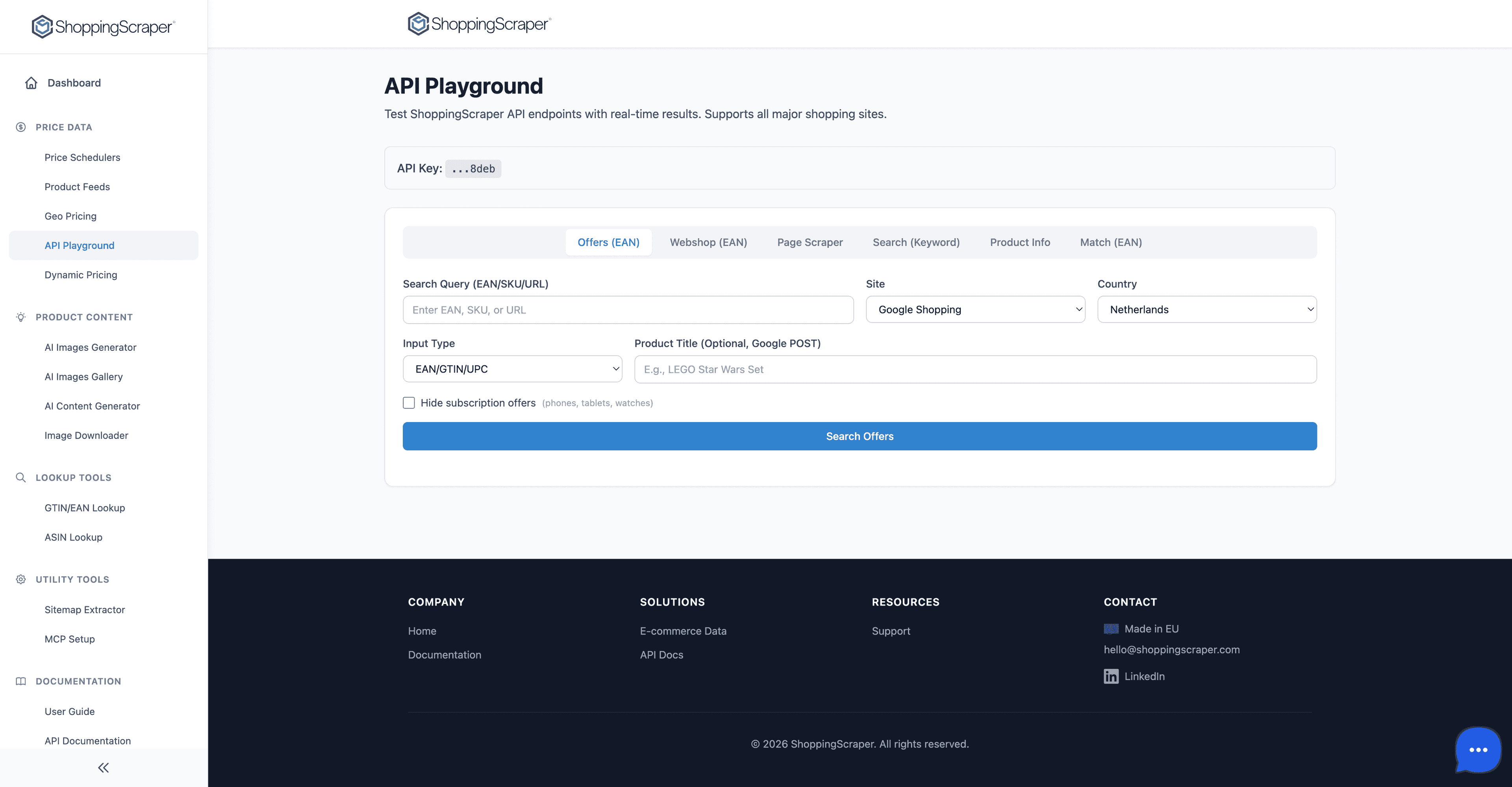
Test every API endpoint interactively
Authentication and rate limiting
Authentication uses a simple API key passed as a query parameter or request header. Rate limits are clearly communicated via response headers, so your application can implement backoff strategies. Each plan has different rate limits, and the free tier includes 100 credits to test all endpoints.
- API key passed as query parameter or header
- Rate limit remaining and reset headers
- Credit consumption per request clearly documented
- Free tier with 100 credits for testing
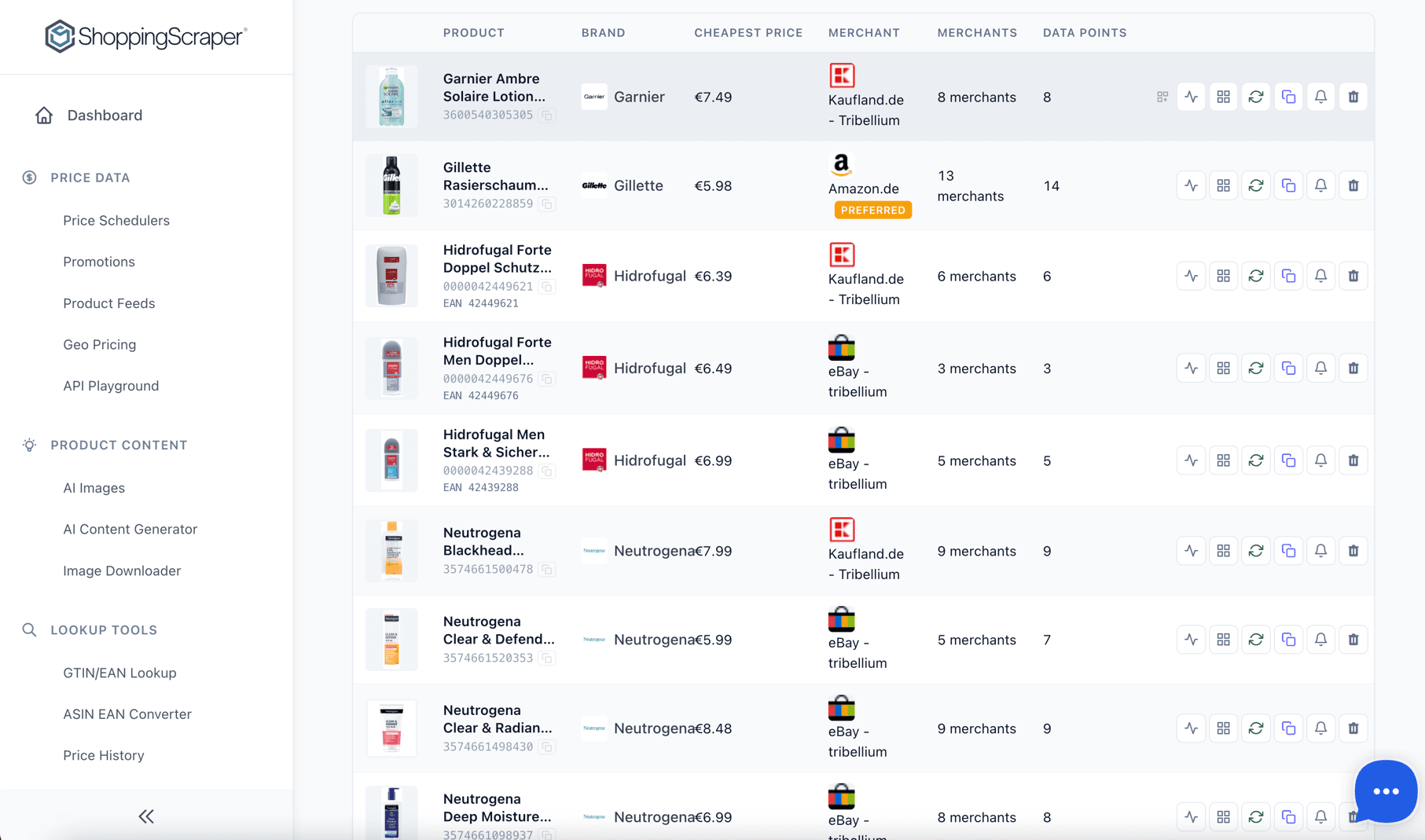
Full programmatic access via REST API
Language and framework support
The REST API works with any programming language or HTTP client. Common integrations include Python with httpx, JavaScript with fetch or axios, PHP with Guzzle, and Ruby with Net::HTTP. The API Playground generates cURL commands you can translate to any language.
- Works with any HTTP client
- cURL, Python, JavaScript, PHP, Ruby, Go, and more
- API Playground for interactive testing
- OpenAPI-compatible endpoint structure
Quick start examples
Get up and running in minutes. These examples fetch current merchant offers for a product by EAN from Google Shopping Netherlands.
import httpx

API_KEY = "your-api-key"
EAN = "8710447495346"

response = httpx.get(
    f"https://api.shoppingscraper.com/offers",
    params={
        "site": "shopping.google.nl",
        "ean": EAN,
        "api_key": API_KEY,
    }
)
data = response.json()
for offer in data["results"][0]["offers"]:
    print(f"{offer['sellerName']}: \u20ac{offer['price']}")
Frequently Asked Questions
How do I authenticate API requests?+
Pass your API key as a query parameter (e.g., ?api_key=YOUR_KEY) or as an Authorization header. The key is available in your dashboard under Profile.
What response format does the API use?+
All endpoints return JSON. Responses include a standard structure with data, metadata, and pagination information where applicable.
What are the rate limits?+
Rate limits depend on your plan. Free tier includes 100 credits. Paid plans start at 10,000 credits per month. Rate limit information is included in response headers.
Can I test endpoints before writing code?+
Yes. Use the API Playground to test any endpoint interactively. Build requests visually, see formatted responses, and copy the cURL command for your code.
Which endpoint should I start with?+
Start with the Offers endpoint to retrieve current merchant offers for a product by EAN. It demonstrates the API patterns used across all endpoints.
Is there a webhook for scheduler results?+
Scheduler results are available via the Reports endpoint. You can poll for new reports or download historical data. Contact us for webhook support on Enterprise plans.
Do you have SDKs?+
We do not provide official SDKs yet, but the REST API is simple enough to use with any HTTP client. The API Playground generates ready-to-use cURL commands.